



RedMHigh quality & Realistic SCRIPTS

Good to Know
All of our scripts are regularly updated to provide you with the best possible experience.
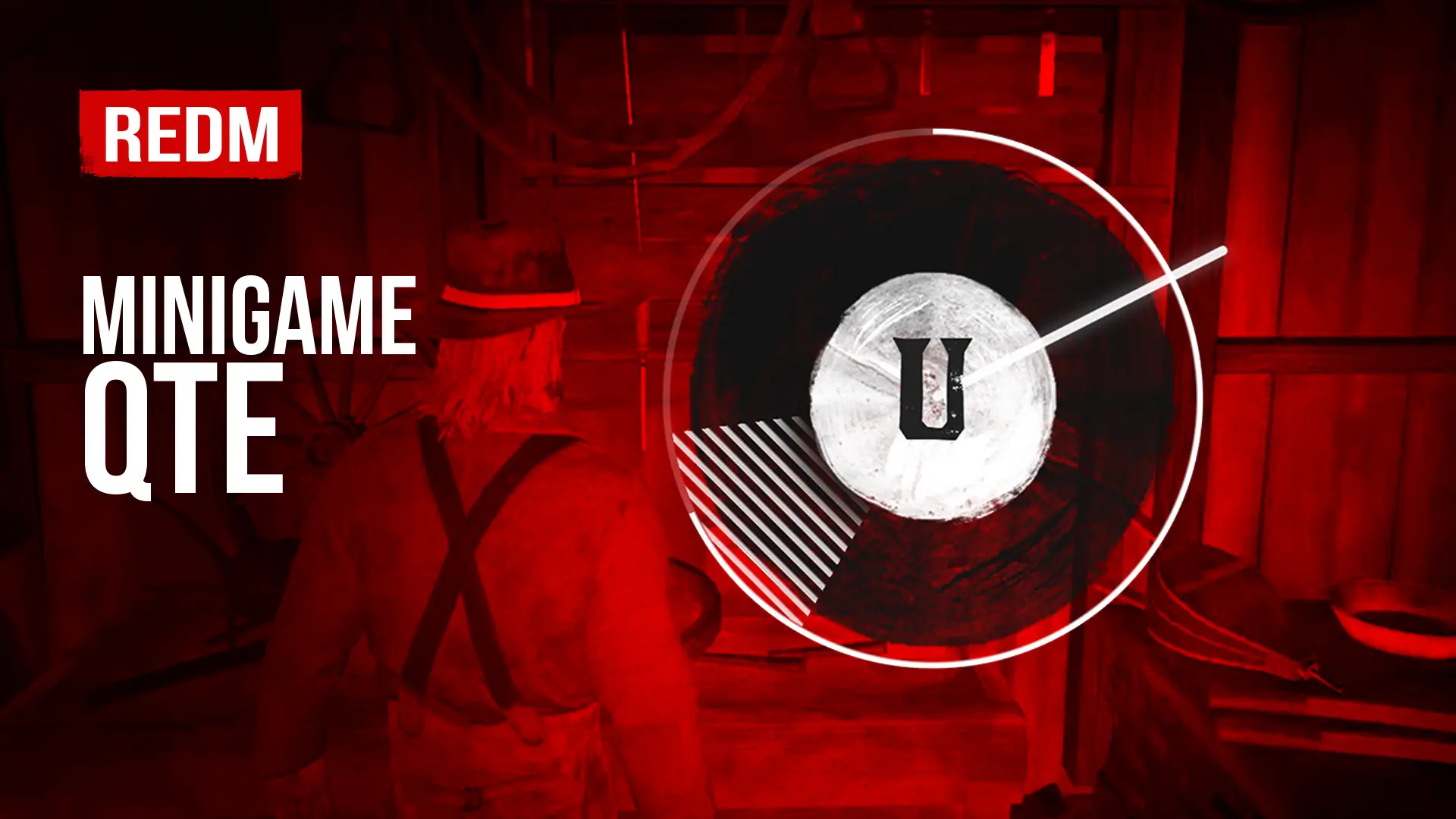


Minigame - QTE - RedM Scripts
This script is free.
 Features
- QTE minigame inspired by Crimson Desert
- Press the key when the indicator aligns with the target segment
- Customizable rounds, keys, rotation speed and target size
- Visual effects via AnimPostFX
- Event callbacks and clear return statuses
- Free & part of jo_libs
 Minigame - QTE - Description
Bring the thrill of Crimson Desert to your RedM server with this free QTE (Quick Time Event) minigame! Players must press the right key at the exact moment the indicator aligns with the target segment. A fast, skill-based challenge you can plug into any of your scripts: lockpicking, robberies, crafting, fishing, and more.
- Crimson Desert Inspired: A modern, dynamic QTE design straight out of Crimson Desert.
- Timing-Based Gameplay: Press the key when the rotating indicator hits the target zone.
- Fully Customizable: Adjust the number of rounds, allowed keys, rotation speed and target segment size.
- Difficulty Control: Fine-tune every parameter to make the challenge as easy or punishing as you want.
- Visual Effects: Built-in AnimPostFX effects for immersive feedback.
- Developer Friendly: Simple API with event callbacks and clear return statuses (success, failed, canceled).
- 100% Free: Included in jo_libs, the free open-source library for RedM developers.
Easy Integration
The QTE minigame is part of the jo_libs library. Add the module to your resource, call jo.minigame.qte() and let your players test their reflexes:
-- Start a QTE minigame with custom rounds, keys, and timing
local result = jo.minigame.qte({
  roundCount = 5,
  allowedKeys = { "A", "S", "D", "F" },
  rotationDuration = {
    min = 1500,
    max = 2500
  }
})

-- Handle success, failure, cancel, or busy statuses
if result == "success" then
  print("QTE completed")
else
  print("QTE result: " .. result)
end
Perfect for adding skill checks to heists, minigames, jobs or any interactive gameplay on your RedM server.